The Filipino Math Board Game
Play Damath Online or Offline
A Filipino math checkers game for students, teachers, and Damath players.
A Filipino math checkers game for students, teachers, and Damath players.
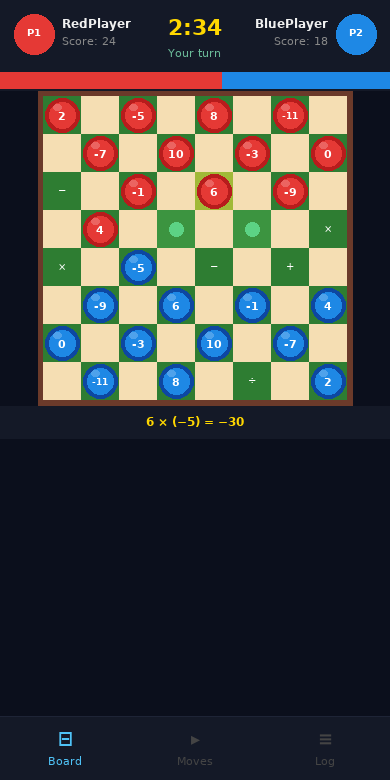
Each player starts with 12 numbered pieces placed on an 8×8 board with math operators on the squares.
Jump over an opponent's piece and apply the operator on the landing square to compute your score.
The player with the highest cumulative score when no more moves are possible wins the match.
Capture pieces by solving math operations on the board squares — every move matters.
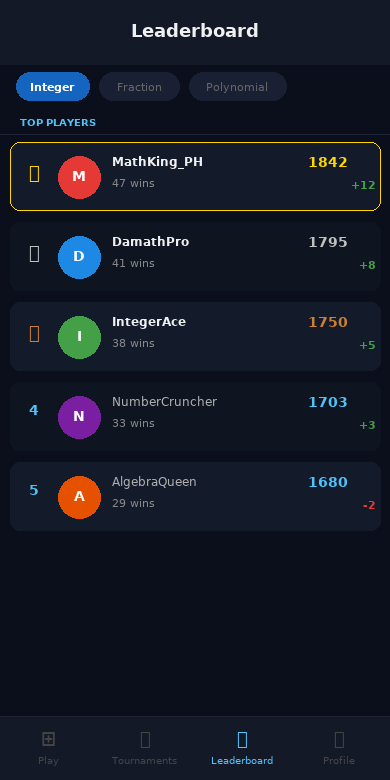
Challenge players worldwide and climb the Glicko-2 rating leaderboard across categories.
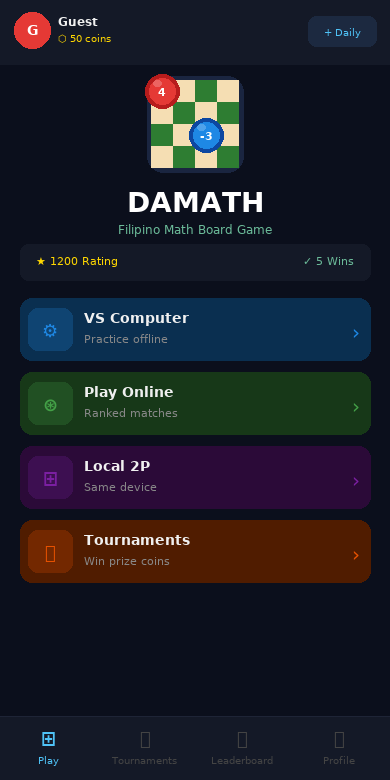
Play on one device with a friend — no internet required. Perfect for classrooms and home.
Create private rooms and send invite links to challenge your friends to a match.
Sharpen your skills against an AI opponent that uses minimax strategy — great for practice.
Track your rank and rating progression across all 7 math categories over time.
Practice math operations in a fun, competitive game format that makes learning feel like play.
Use Damath as an interactive classroom tool to make math engaging, visual, and competitive.
Prepare for official tournaments with ranked online matches and tournament bracket play.
Download the app or play instantly in your browser.
Test on your phone with Expo Go
Free app to run mobile previews on your device